3.32 Ultrasonic Ranger
3.32.1 Overview
In this project, we combine the ultrasonic sensor and the OLED module to build a distance meter, whose detection range is 4-300CM.
3.32.2 Test Code
3.32.2.1 Build Code
There are two ways to upload the code: directly open the code file we provide; or manually build blocks.
Directly open the code file we provide:
Click
 and choose
 Load from your computer
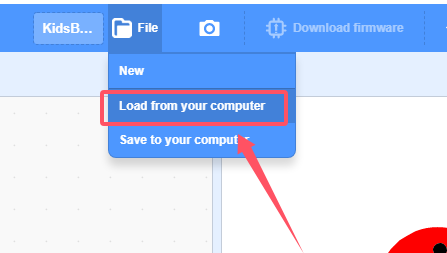
We have already downloaded the codes on computer desktop, so open the file and choose
3-32-rangeFinder.sb3
Manually build blocks:
Build the two basic blocks:
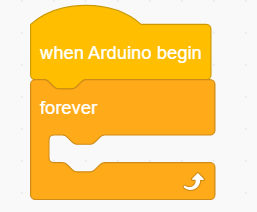
Initialize OLED module by
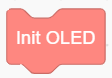
Add a
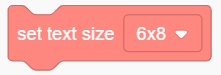 and set text size to 12x16
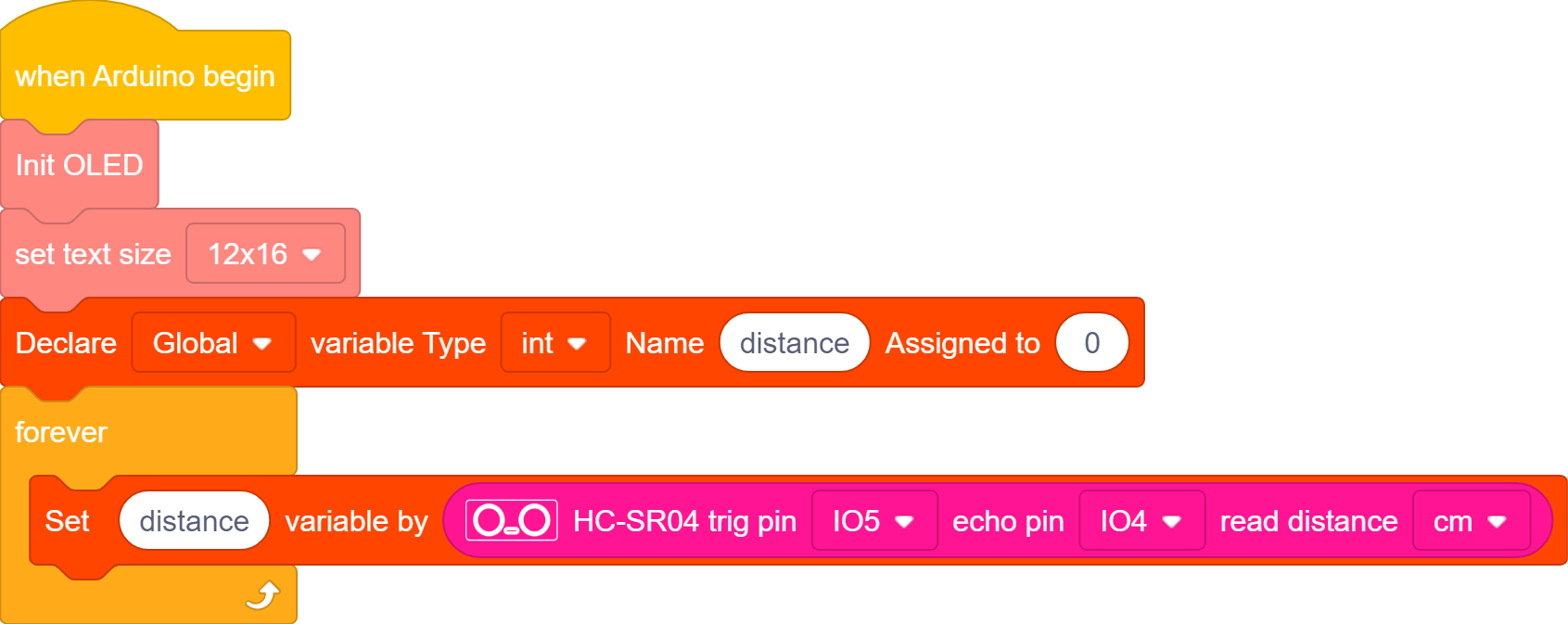
Declare a variable distance and assign the value detected by the ultrasonic sensor to distance
Add a
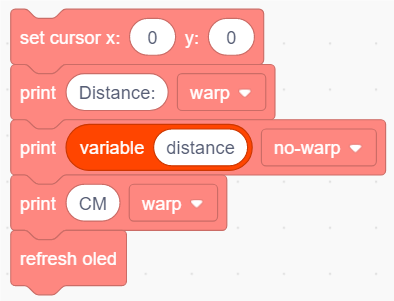
 to clear the logo displayed on OLED
Add an OLED module to display “Distance:” on the first line and show the value of distance on the second line. Add the unit of “CM” after the value.
At last, add a refresh block.
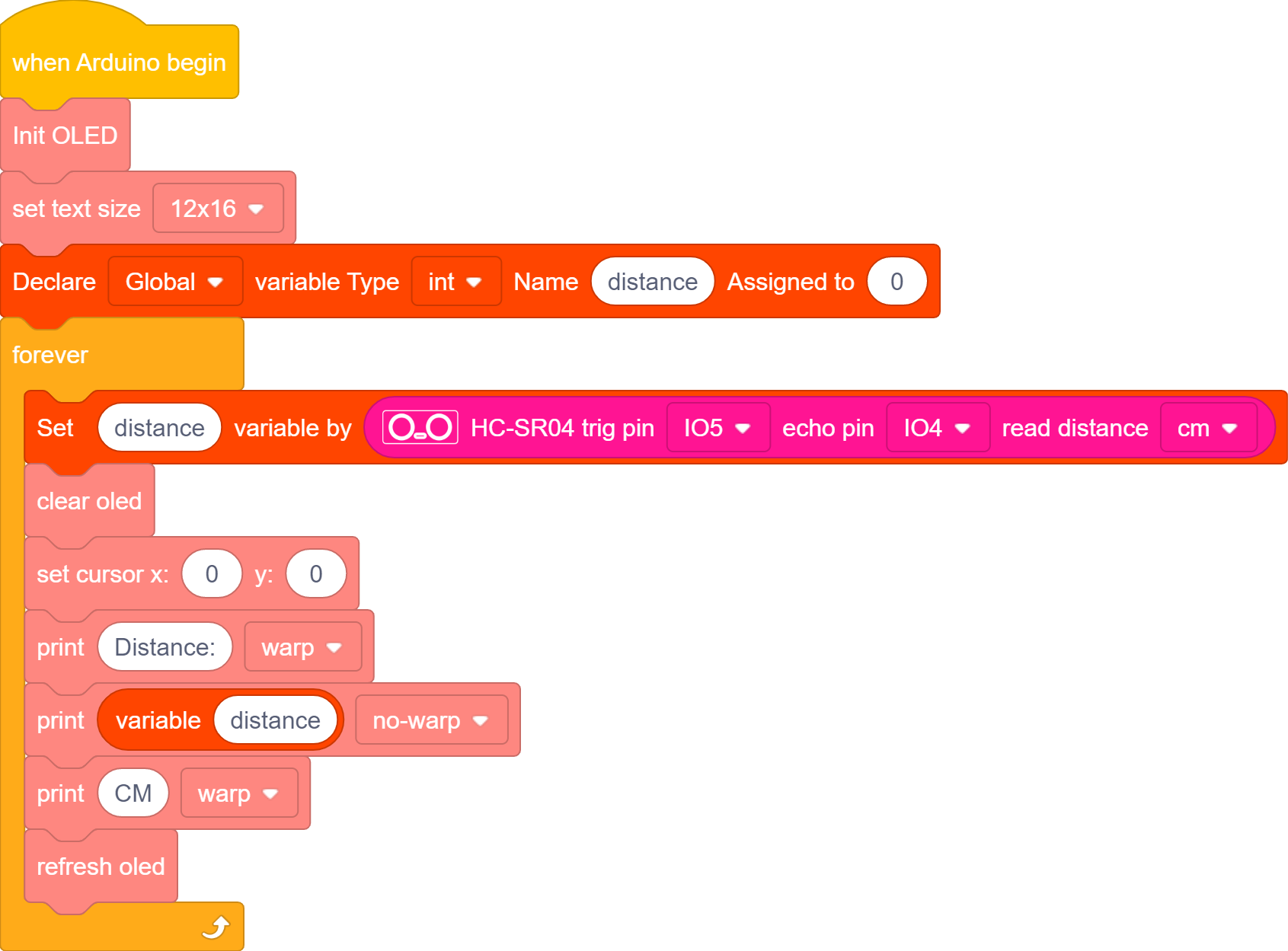
Complete Test Code
3.32.2.2 Test Result
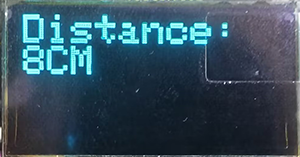
After uploading code, “Distance:” will be displayed on the first line. What followed is the distance value in “CM” in the second line.