3.30 RGB Ring Clock
3.30.1 Overview
In this project, we build an informal clock with an RGB ring, whose three colors represent hour, minute and second respectively. Since the ring only boasts 12 beads, each bead is 5 seconds/minutes (60/12=5).
3.30.2 Test Code
3.30.2.1 Code Flow
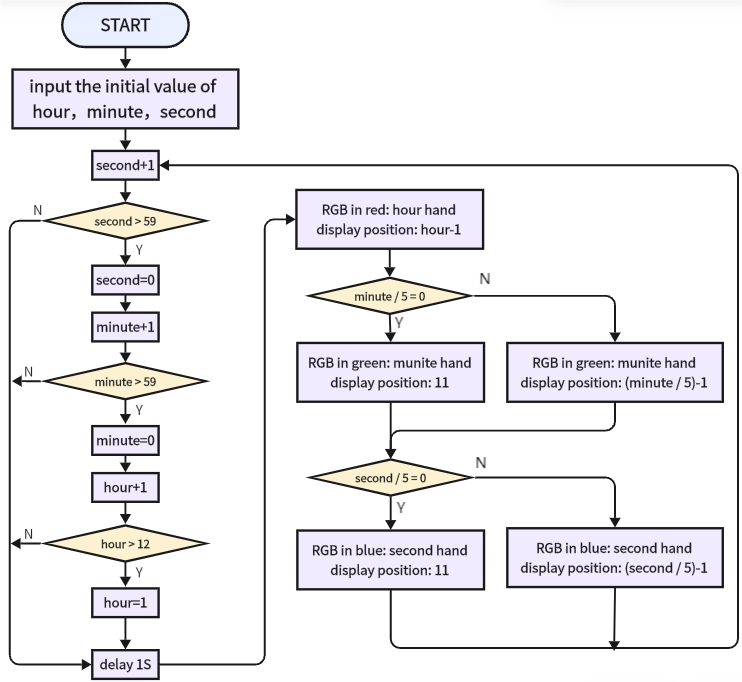
As shown in the flowchart, we use red for hour, green for minutes, blue for seconds. When second = 60, minute adds 1, and when minute = 60, hour adds 1.
Note that here we adopt 60/5=12 rather than 59/5=11.8, this is because the variable type is integer and the value should be divided by 5. And 60 can be perfectly divided into 12 parts.
3.30.2.2 Build Code
There are two ways to upload the code: directly open the code file we provide; or manually build blocks.
Directly open the code file we provide:
Click
 and choose
 Load from your computer
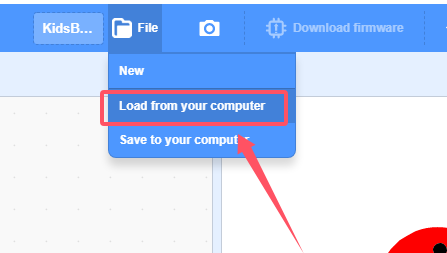
We have already downloaded the codes on computer desktop, so open the file and choose
3-30-rgbClock.sb3
Manually build blocks:
Build the two basic blocks:
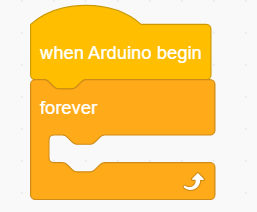
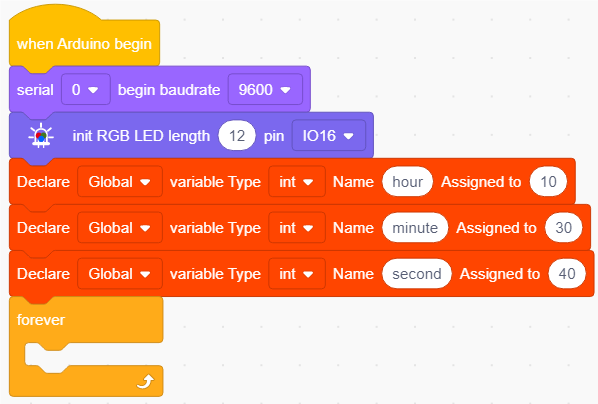
Initialize the serial port and set baud rate to 9600.
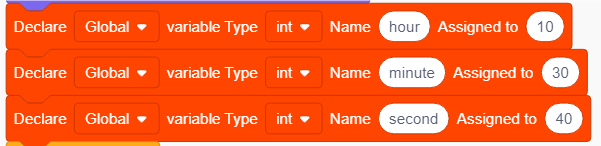
Initialize RGB module and declare three variables named hour, minute, second respectively. We assign them initial values, for example, we set the time to 10: 30: 40
In
 , we build a function block. Click
  to name the function. Here we name it clockCode, click ok.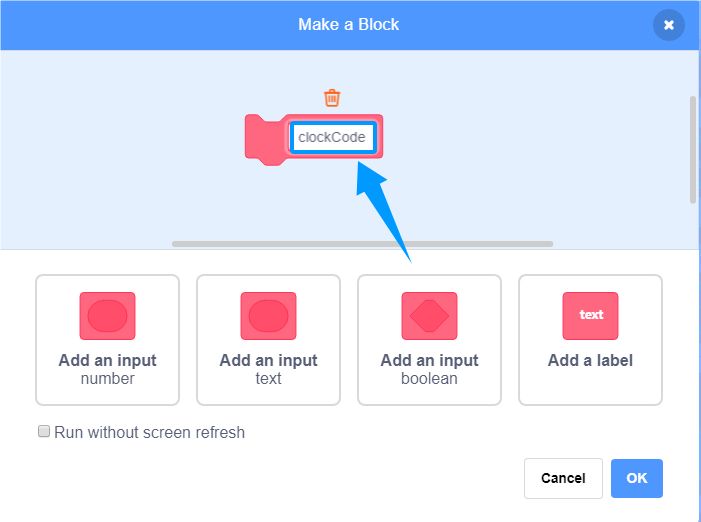
Function block:
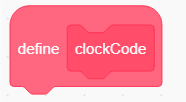 . Add code blocks under this block to define the function. This block is placed separately, when using, drag
  in and put it at the position as needed.
Add a
 to count seconds. Then add a
 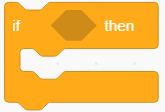 to determine whether second value is greater than 59. If yes, minute+1 and zero out second.
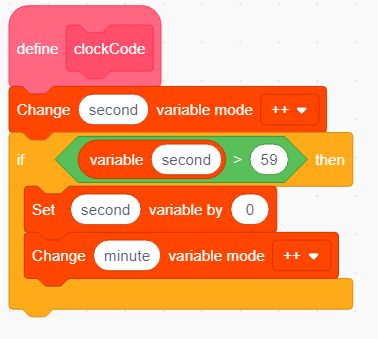
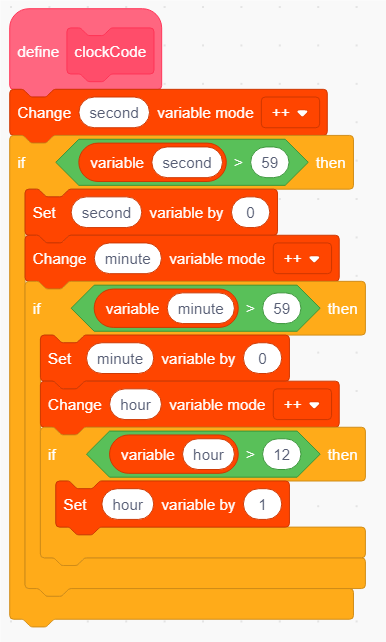
Add another
to determine whether minute > 59. If yes, hour+1 and zero out minute.Drag one more
and put it in the above to determine whether hour > 12. If yes, hour = 1.
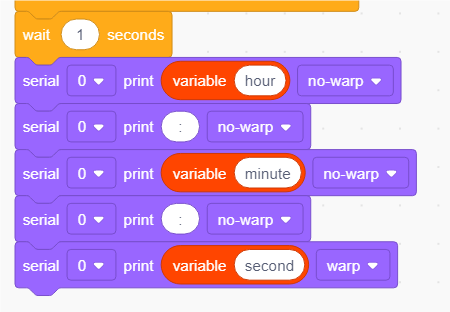
Add a delay of 1s, and print the values of hour, minute, second on serial monitor.
Call the function clockCode. In
, drag and place it into 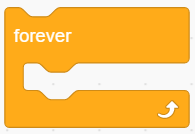 .
.Till now, these are all code blocks of time counting and display. Parts below are settings of beads to light on according to time.
Add
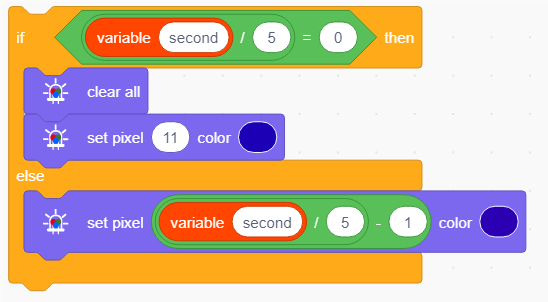
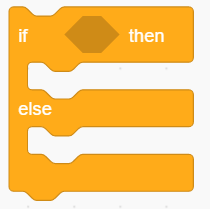 to determine whether second is 0 after dividing by 5. If second=0, current time is within 5s. So we light up the 12th beads of the RGB ring. Pay attention that add a
 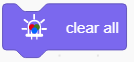 above. If it is not 0, light up the bead at (second / 5) - 1. For instance, when second=30, and 30/5-1=5, so 5th bead lights up. (We set the variable type to integer (int), so the division remainders are omitted.) Second is in BLUE.
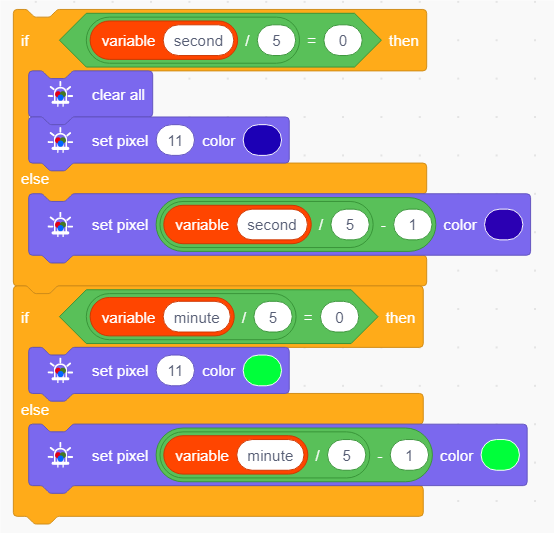
Similarly, set the minute. The difference is that this part is without a clear block. Minute is in GREEN.
When setting hours, only hour-1 without being divided by 5. Hour range 1-12h corresponds to beads 0-11. Hour is in RED. At last, add a
 .
.
Complete Test Code
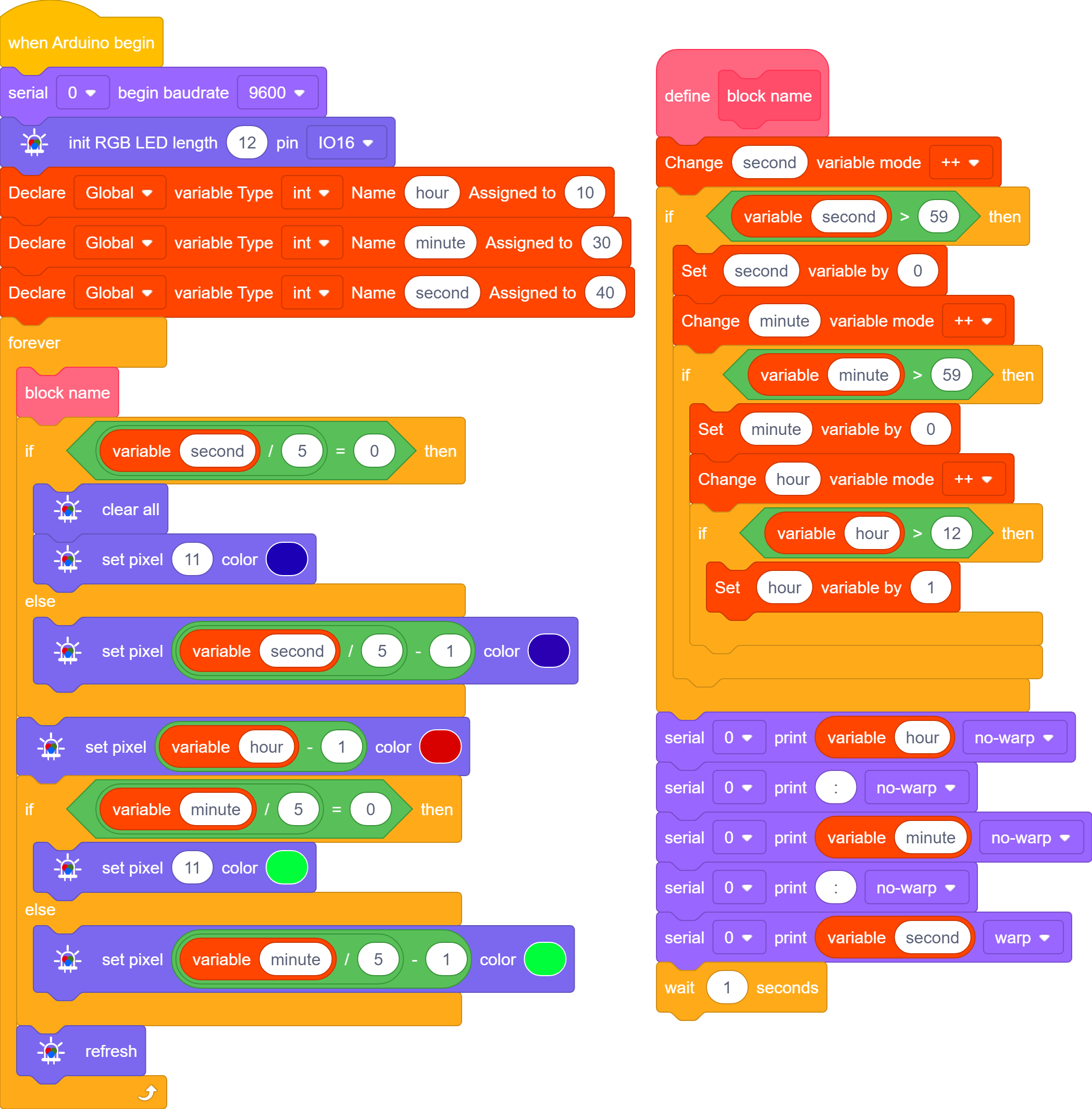
3.30.2.3 Test Result
Before uploading code, you need to input an initial time in the following blocks of variables hour, minute, second. Herein, we set to 10: 30: 40.
After uploading code, you will see the RGB ring shows the time: red for hour, green for minute, blue for second. A minute passes as blue runs a circle.
Only one color will be displayed when they are overlapped. Blue will not cover green while green will not cover red.
Note that this is an informal clock without a clock chip. So its errors begin to accumulate over time.