3.11 Pressure Sensor
3.11.1 Overview
BMP388 pressure sensor is a pneumatic MEMS sensor a very compact package, featuring small size, low power consumption but high performance. In brief, it is a combination of the temperature and pressure sensor, which is perfect for mobile applications.
This module adopts proven piezoresistive pressure sensing technology with high accuracy and linearity, as well as long-term stability and high EMC stability. Besides, it maximize flexibility in multi-device working, and is ideal for altitude tracking in consumer electronics drones, wearables, smart homes, etc.
As for improvement, we can optimize the device in terms of power consumption, resolution and filtering performance.
3.11.2 Schematic Diagram
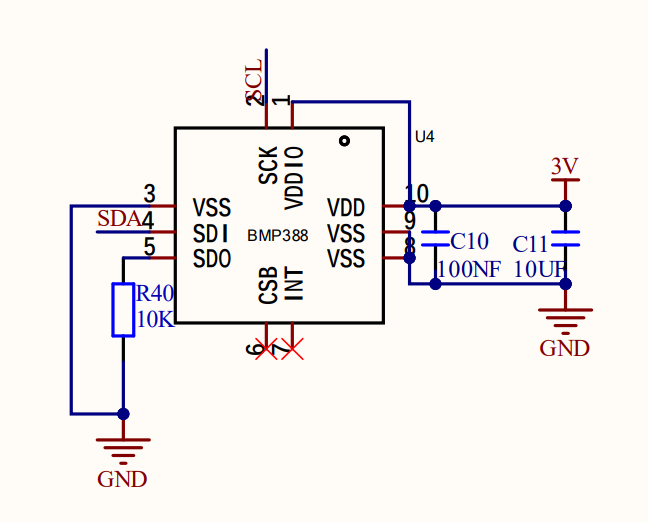
Based on piezoelectric pressure sensing technology, the BMP388 pressure sensor accurately measures pressure and temperature. It is capable of measuring air pressure in the 300 ~ 1250 hPa range without consuming much power (consuming only 3.4 µA at 1 Hz operating frequency). In addition, the built-in infinite impulse response filter can effectively reduce effects from external interference.
3.11.3 Code Blocks
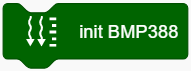
This block initializes the BMP388 pressure sensor. Without this block, the module will not work.
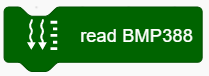
This block reads BMP388 sensor values. If the values are not read, they cannot be output.
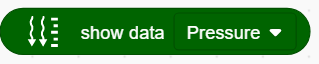
This block outputs the values read by BMP388 sensor, including Pressure, Altitude and Temperature.
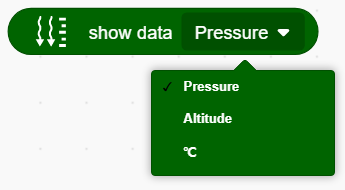
3.11.4 Test Code
3.11.4.1 Build Code
There are two ways to upload the code: directly open the code file we provide; or manually build blocks.
Directly open the code file we provide:
Click
 and choose
 Load from your computer
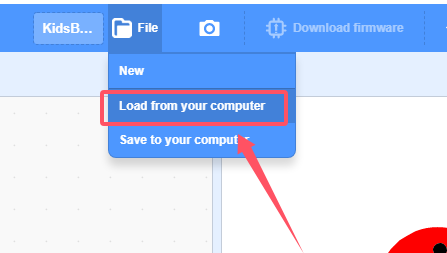
We have already downloaded the codes on computer desktop, so open the file and choose
3-11-bmp388.sb3
Manually build blocks:
In
 , find
  block.
In
 , find and put under .
In
 , drag
  and set baud rate to 9600, and put it under .
In
 , drag
 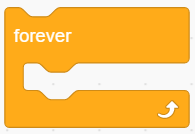 .
.
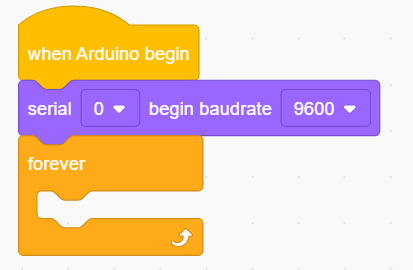
In
, put in In
, put  under and set to print “Pressure:” in no-warp mode.
Add one more
 block and set to no-warp
In
, drag and put block in the printing content of and set to show “Pressure:” values.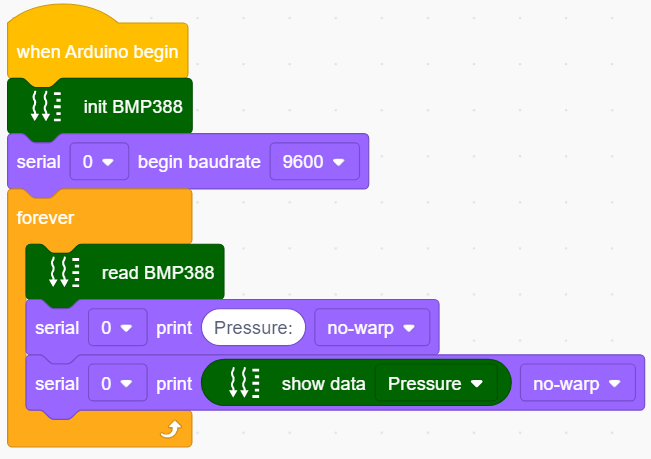
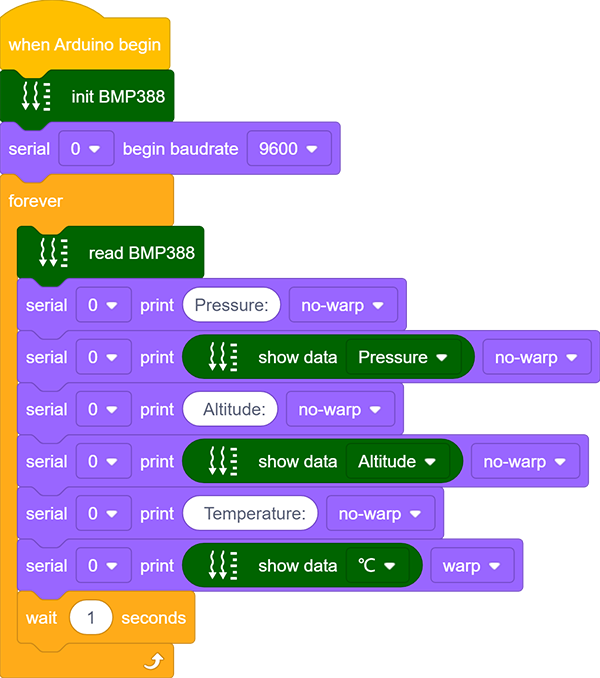
Duplicate
 and set to print “ Altitude:”(the two spaces separates the two values to be output). Modify to show data “Altitude”.
Duplicate
 and set to print “ Temperature:” (the two spaces separates the two values to be output). Modify to show data “°C”.
Set
 to print in warp mode.
Add a delay of 1S for better observing the results.
Complete Test Code
3.11.4.2 Test Result
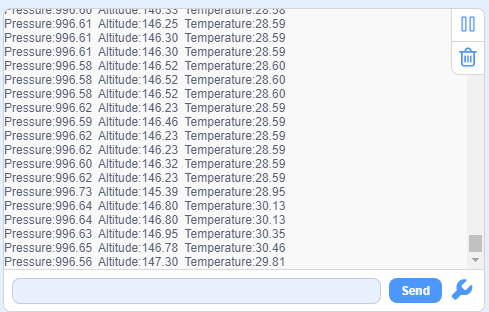
After uploading code, the serial monitor prints the values read by BMP388 sensor.